Layout Intent
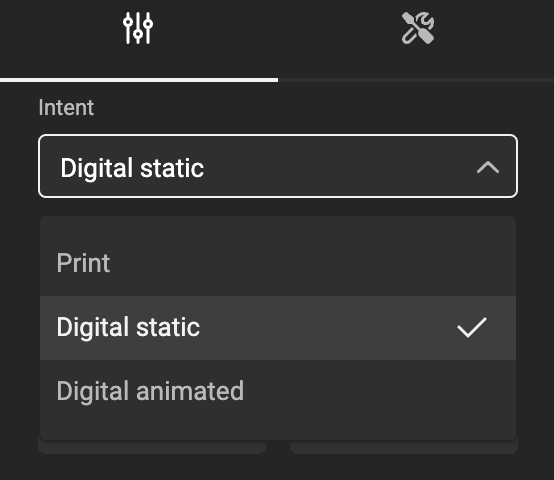
Intents enhance the functionality of layouts. Each layout now includes an "Intent" property with three possible values:
- Digital static
- Digital animated
This property provides contextual guidance for both Template Designers and end users.
Inheritance model
Intents are part of the Inheritance model.
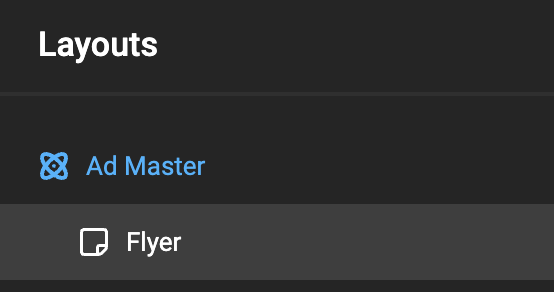
An Intent defined for a master layout automatically applies to all sub-layouts. If needed, Intent can be individually adjusted for each sub-layout, overriding the inherited default.
Imagine a Layout setup: an Ad Master layout (Digital static), and a Flyer sub-layout intended for Print.
Since the Print layout overrides the intent, the overridden values are colored. The size did not color, since it's converted from Pixels, and will reflect the same size (converting using 72dpi).
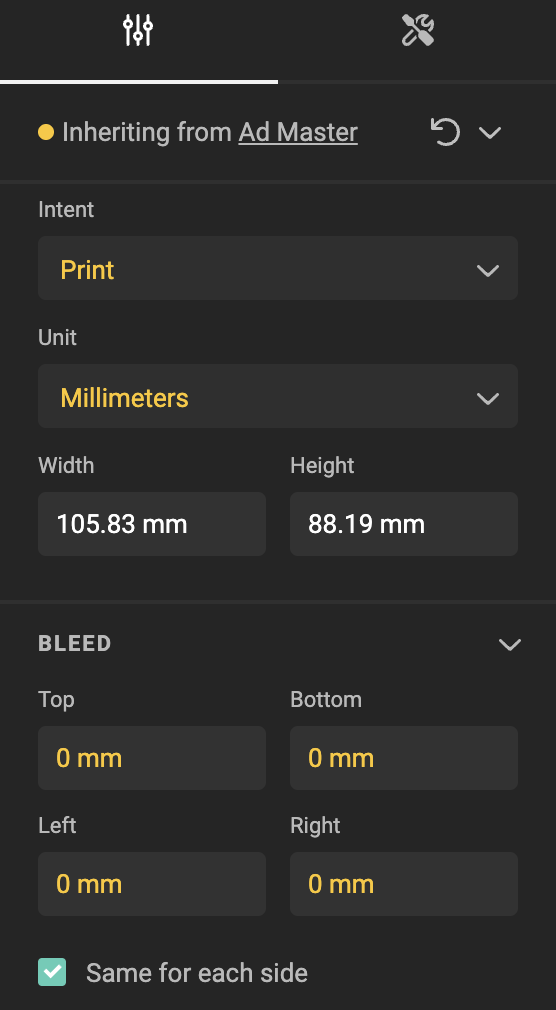
- Units will default to Millimeters
- Bleed properties are visible
- Animation properties are hidden
- Animation timeline is hidden
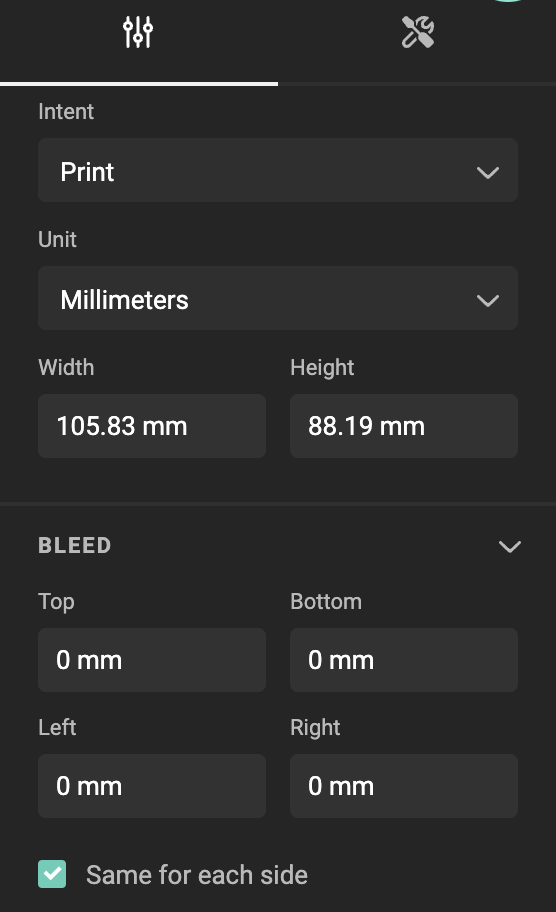
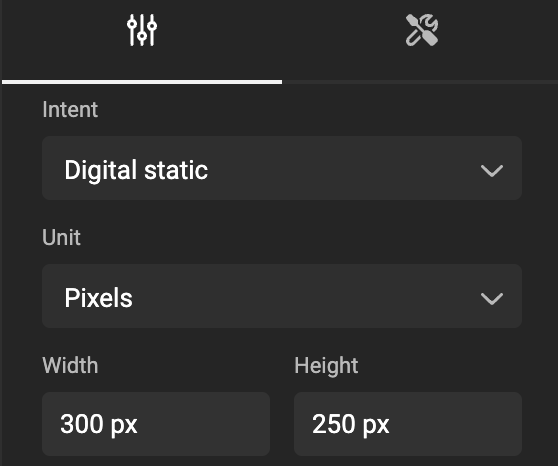
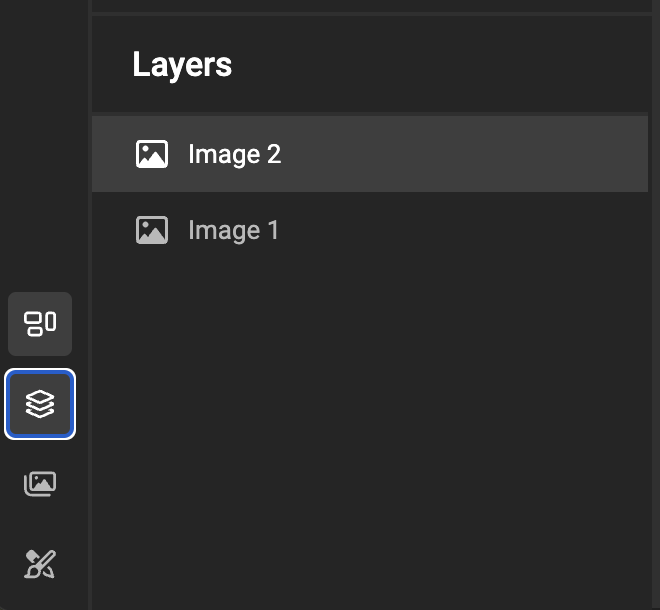
Digital static
- Units will default to Pixels
- Bleed properties are hidden
- Animation properties are hidden
- Animation timeline is hidden
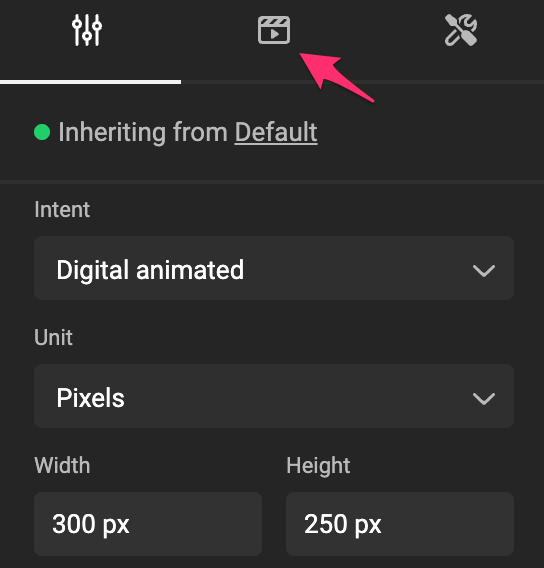
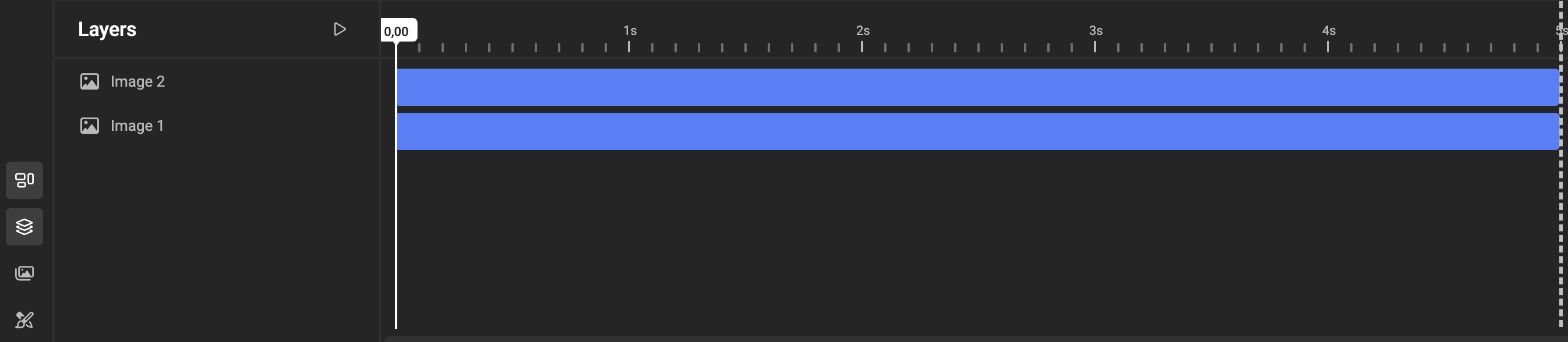
Digital animated
- Units will default to Pixels
- Bleed properties are hidden
- Animation properties are visible
- Animation timeline is visible
Use the intent in Actions
Actions can read the intent of a layout, so a template can react to the kind of output it is producing — for example, switch to a print-friendly Brand Kit theme whenever a print layout is selected.
The helper function getLayoutIntent takes a layout name and returns print, digitalStatic or digitalAnimated.
// Trigger: Select layout changed
if (getLayoutIntent(getSelectedLayoutName()) === 'print') {
  switchTheme('Print');
} else {
  switchTheme('Digital');
}
The intent is always read from the layout that is selected at that moment, including after a layout or page size change.