Output to MP4
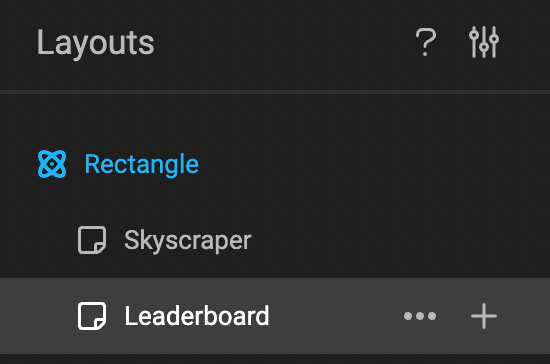
Select the right Layout
In the tree of layouts, select the one you wish to output.

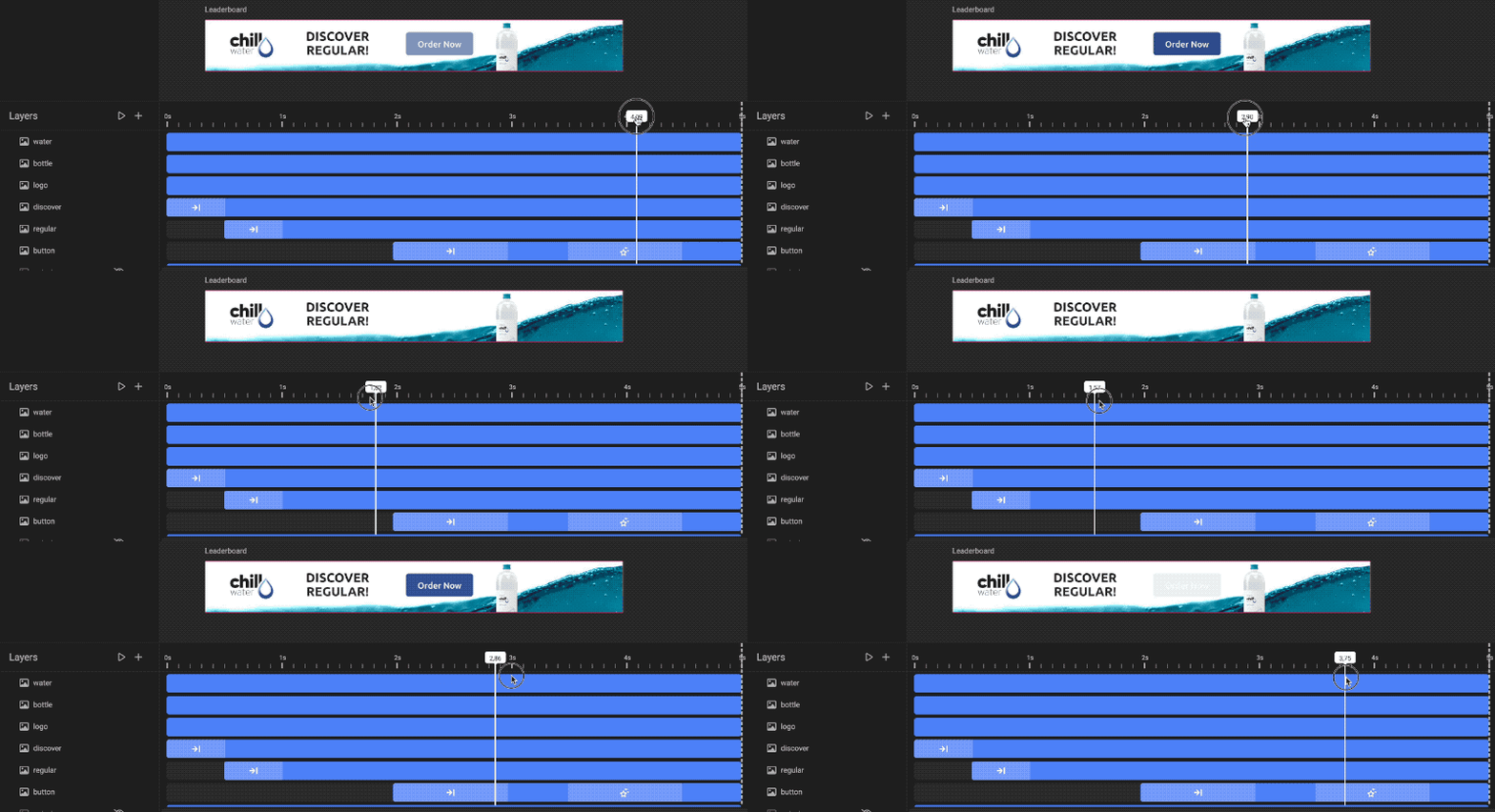
Check the timeline
Have a quick glance at your timeline. Take the Scrubber, and run through the timeline. This will reassure you, this is the animation you will output.
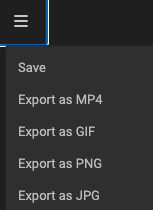
Output (to MP4)
Click "Export as" and choose MP4 in the dropdown.
When the export is ready, your browser will download the file into your downloads folder.