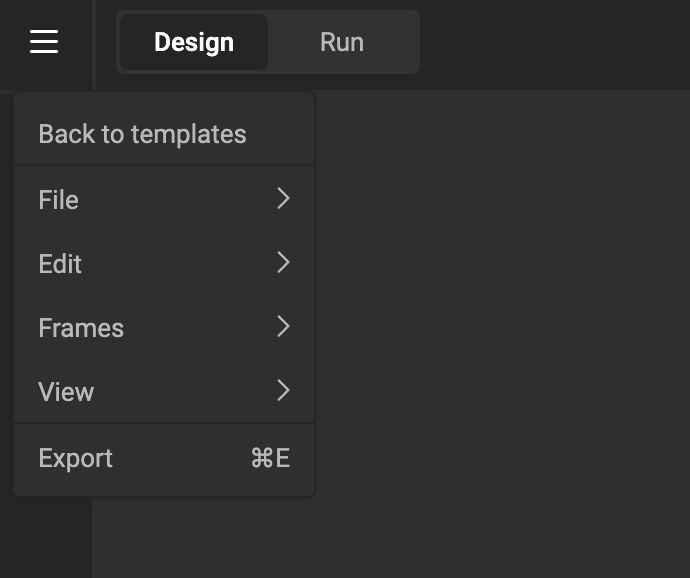
The Hamburger Menu
This is the main menu, with quick access to functions you need for your Smart Template.
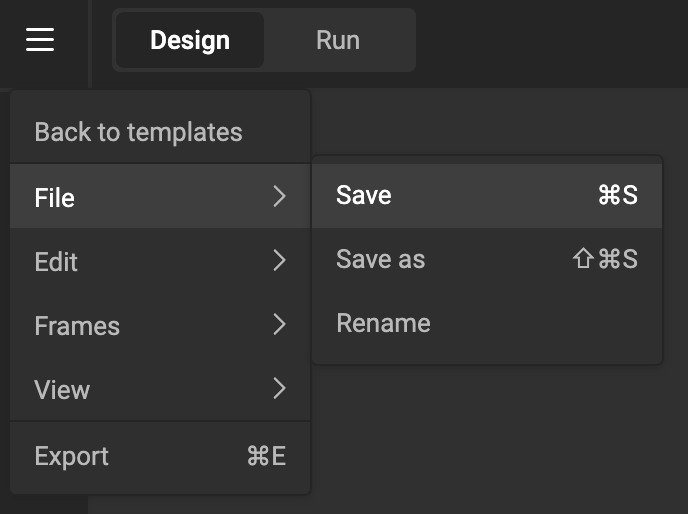
File
Save and rename your Smart Template.
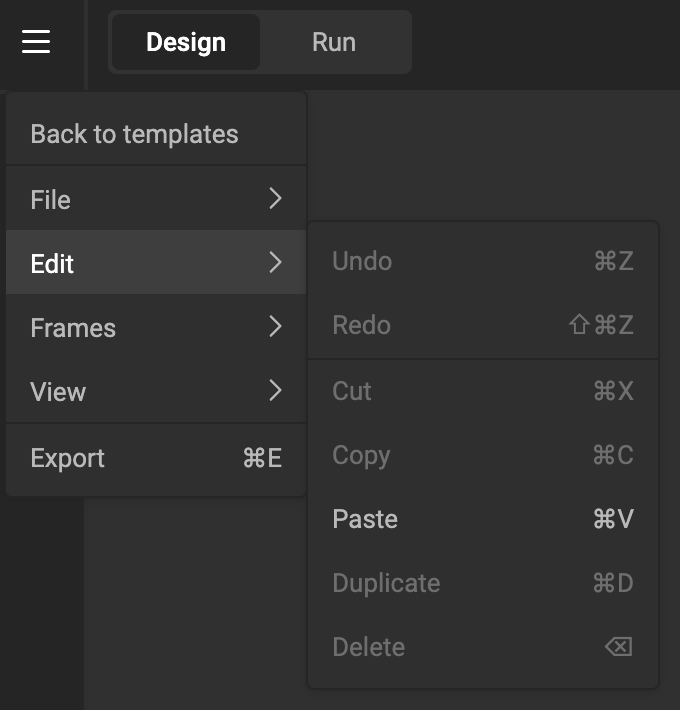
Edit
All the usual undo, redo, cut, copy, paste, duplicate, and delete functions.
Frame
Move the frame up or down. (See Z-index)
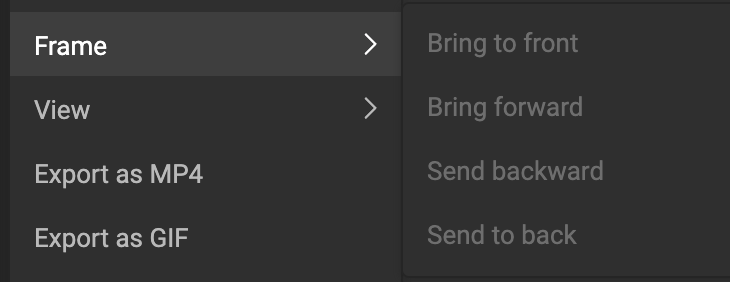
Available when a frame is selected, and if relevant.
E.g. When only 1 frame is available, "Bring to front/back" will be grayed out.
When multiple frames are available, but the frame is the frontmost, "Bring to font" will be grayed out.
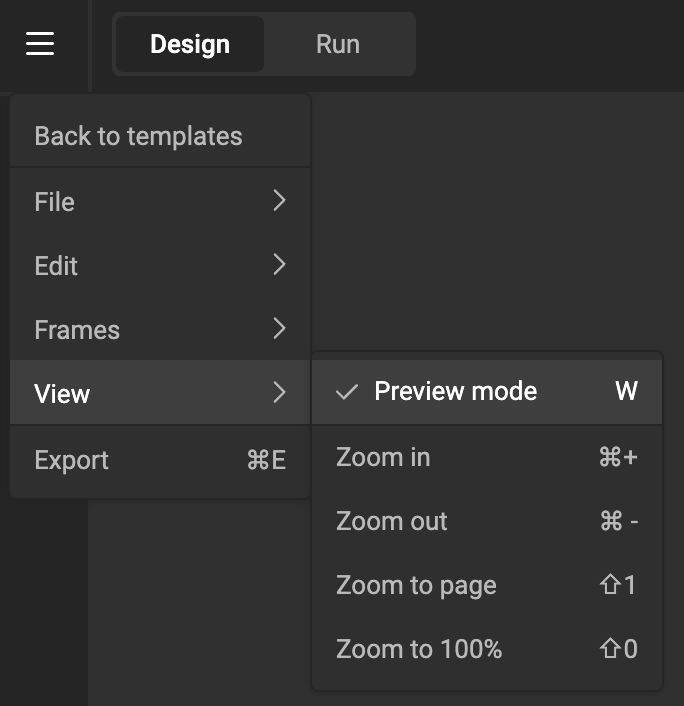
View
Toggle View mode (enables or disables frame borders and the bleed box).
Zoom the canvas in or out.
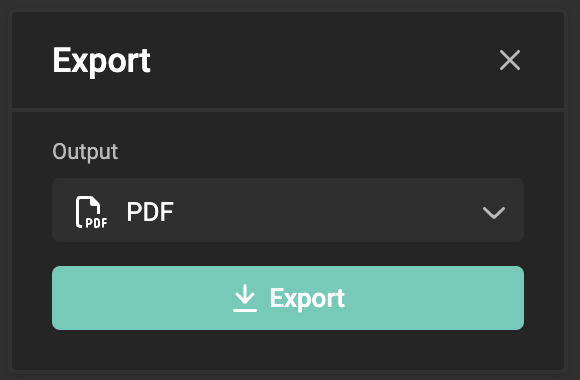
Export
Shows the export dialog, with all output settings you have defined.