GraFx Studio – Multi-line text & Arabic language support
v1.23
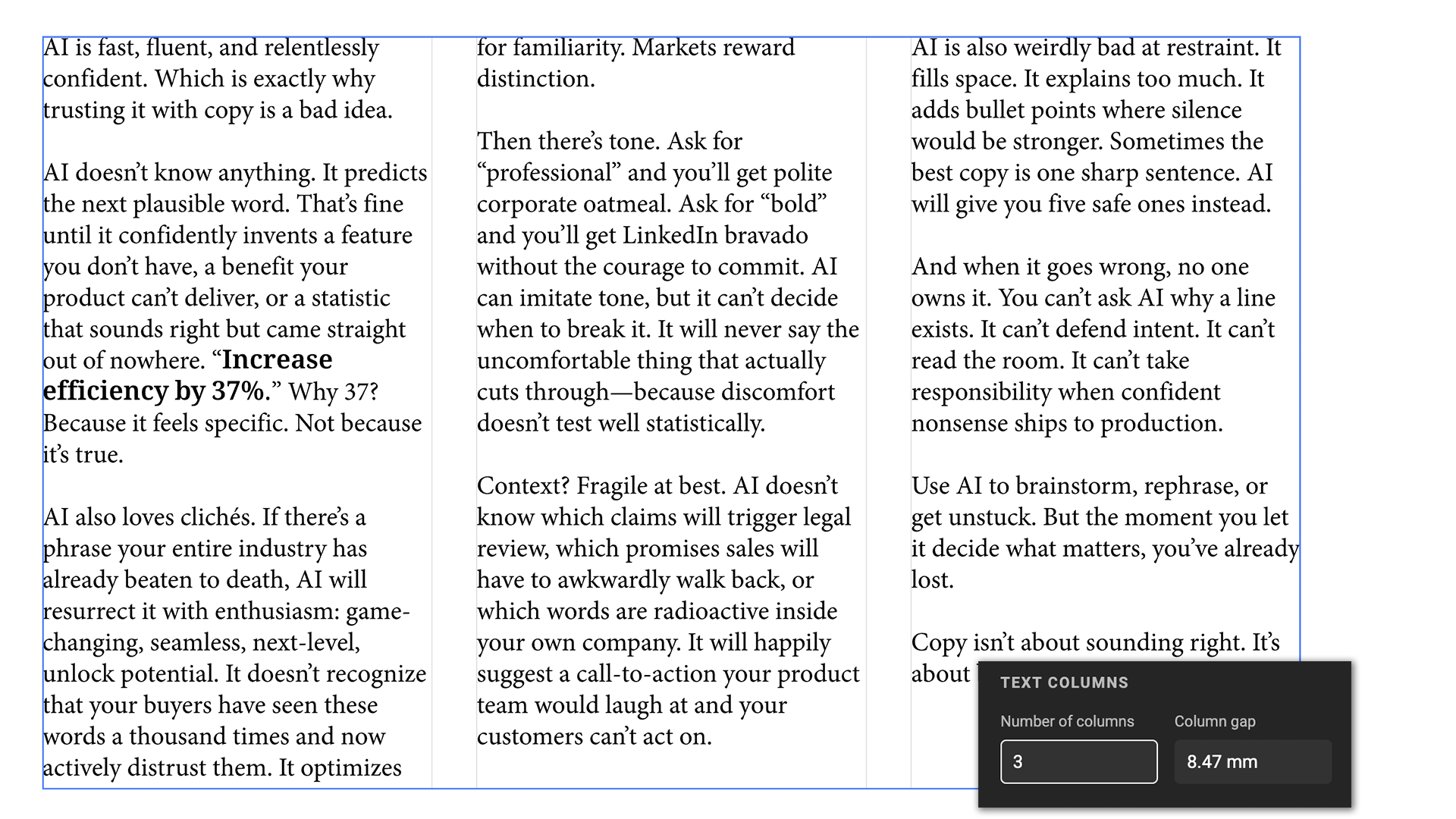
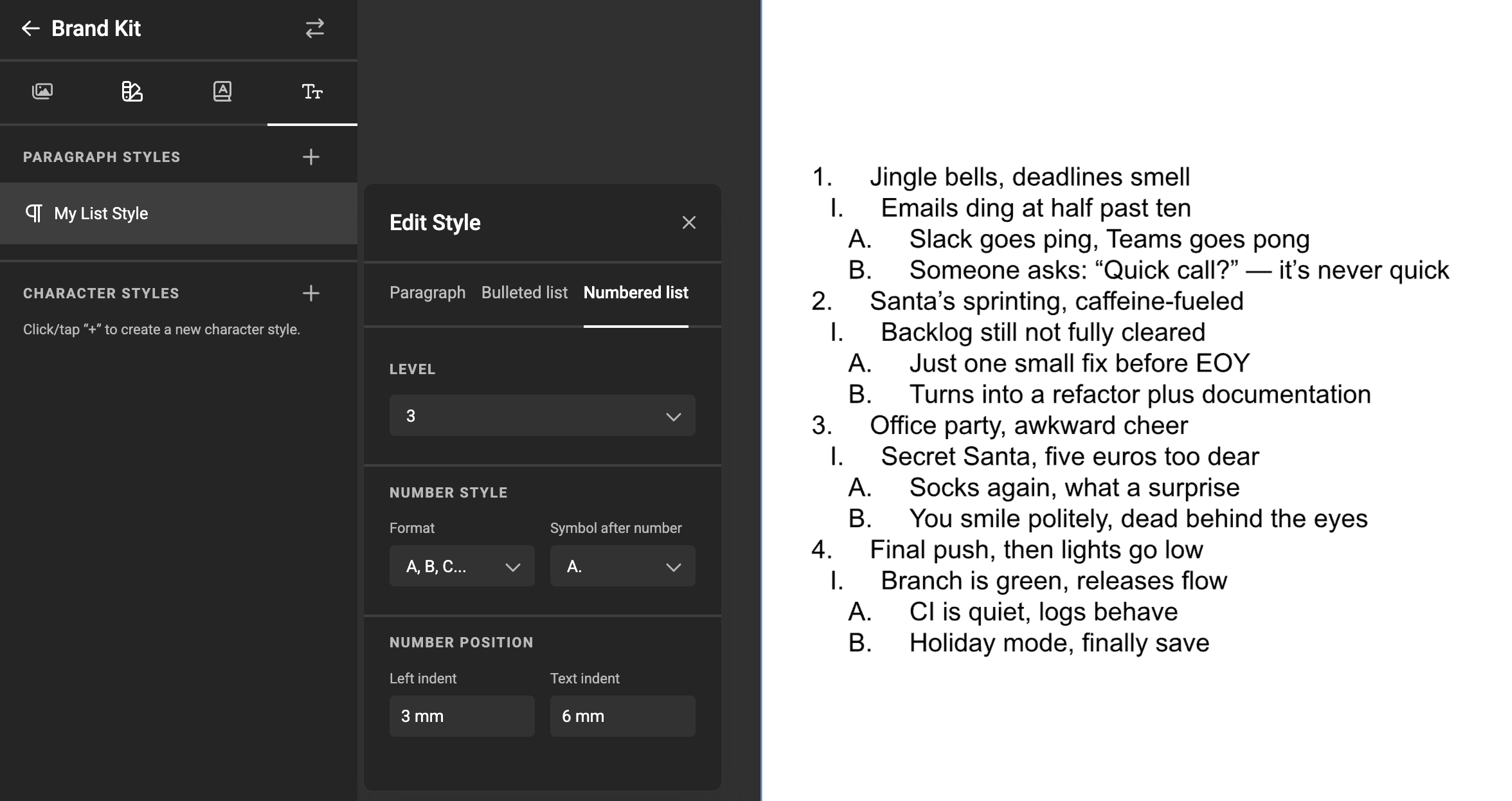
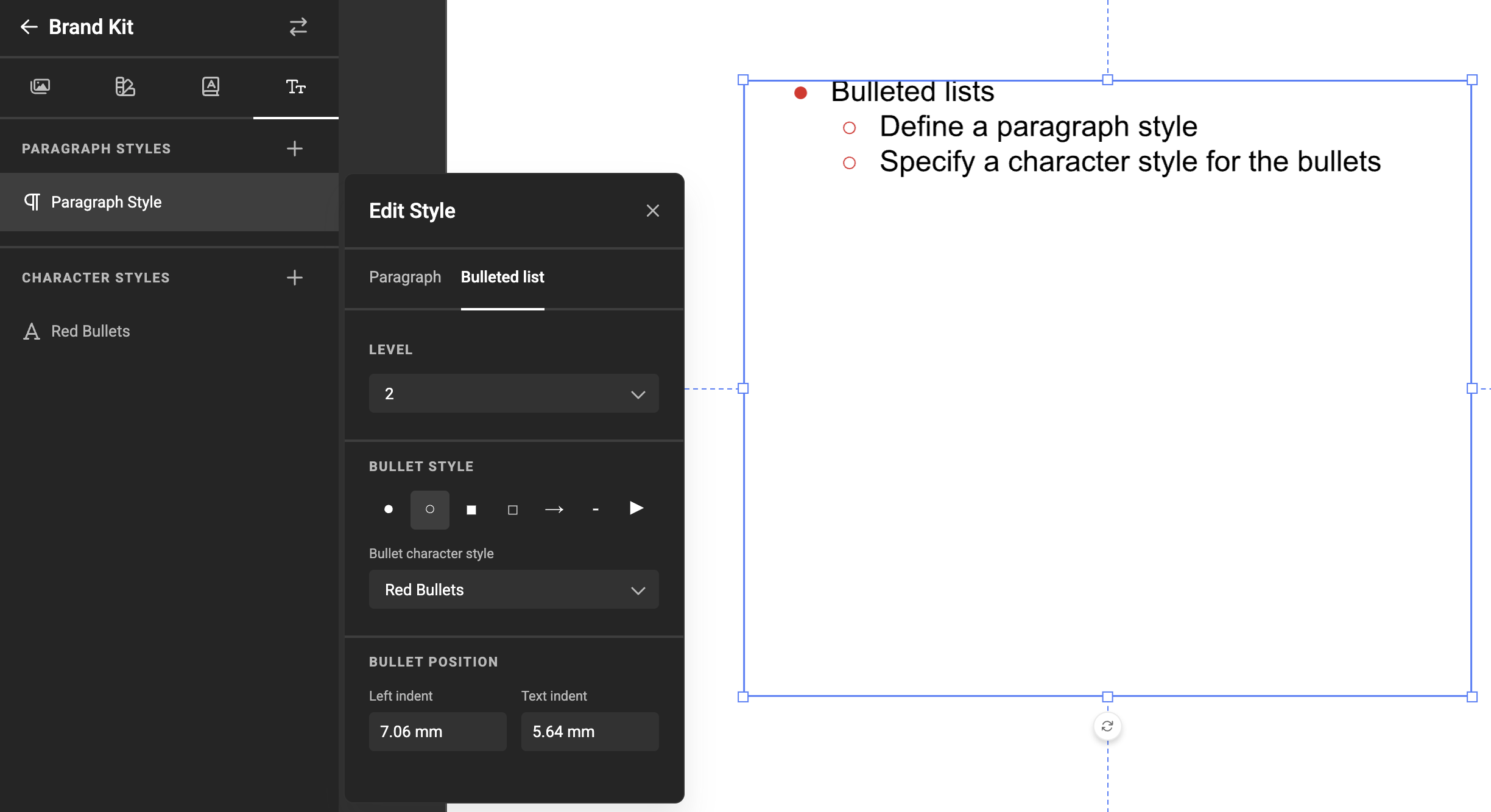
This update brings multi-line text variables, Arabic language support, and several other improvements.
v1.23
This update brings multi-line text variables, Arabic language support, and several other improvements.
Updated Swagger documentation for Genie Vision External Assets to indicate:
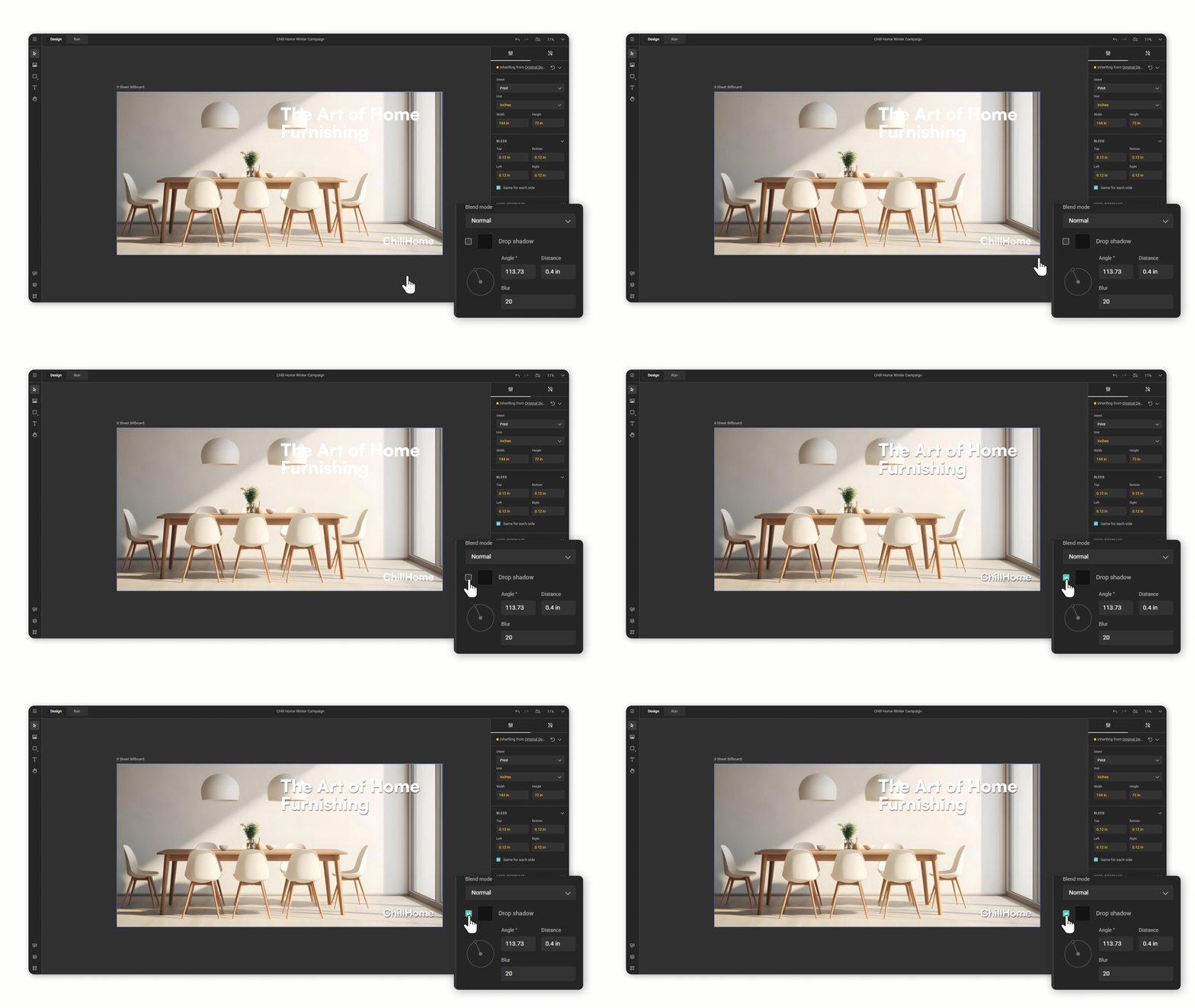
New release enhances image alignment controls and export preflight checks, adds blending options, and includes general bug fixes and improvements.
Spicy Labs added a Media connector to be able to use DAM assets from the Canto DAM solution.
If you use Canto DAM, you can now use the DAM assets in your smart templates.
See Media Connector for Canto DAM for more info.
v1.22
You can now manually edit the Subject Area and Point Of Interest of any asset, including those from external DAM systems via media connectors, directly in the Template Designer workspace. This allows for precise adjustments to AI-generated data, ensuring Smart Crop focuses on the correct subject.
This update introduces a Smart Crop preview in GraFx Media, enhanced error handling for data sources, accessibility improvements, and various other refinements.
v1.21
We're introducing data connectors, making it easier than ever to connect GraFx Studio to external data sources.
The first available data connector is Google Sheets, allowing you to:
Learn more about Google Sheets Data connector
Learn more about Data connectors
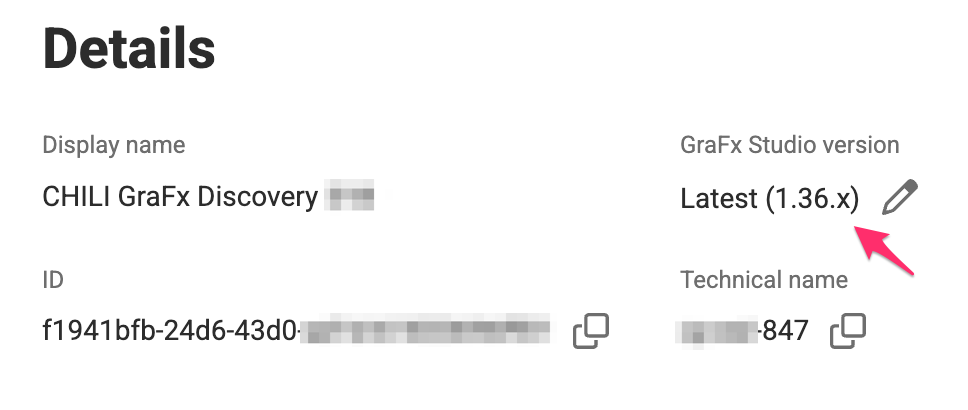
Starting with this release, GraFx Studio version numbers will be clearly referenced.
You can now pin your environment to a specific version or choose to always use the latest version.
This ensures stability for your templates and integrations while keeping track of when new features were introduced.
By locking your environment to a specific version, you can maintain compatibility between your templates and GraFx Studio integration while having the flexibility to upgrade at your own pace.