GraFx Studio
 v1.38
v1.38
✨ New & Improved
Variable highlighting
When you build complex design systems with many variables, it can become a challenge to see where each variable is applied.
With variable highlighting, you can temporarily highlight a selected variable directly on the layout. This lets you instantly see every place it is used, so you can review, validate, and adjust with more confidence.

More informative media previews
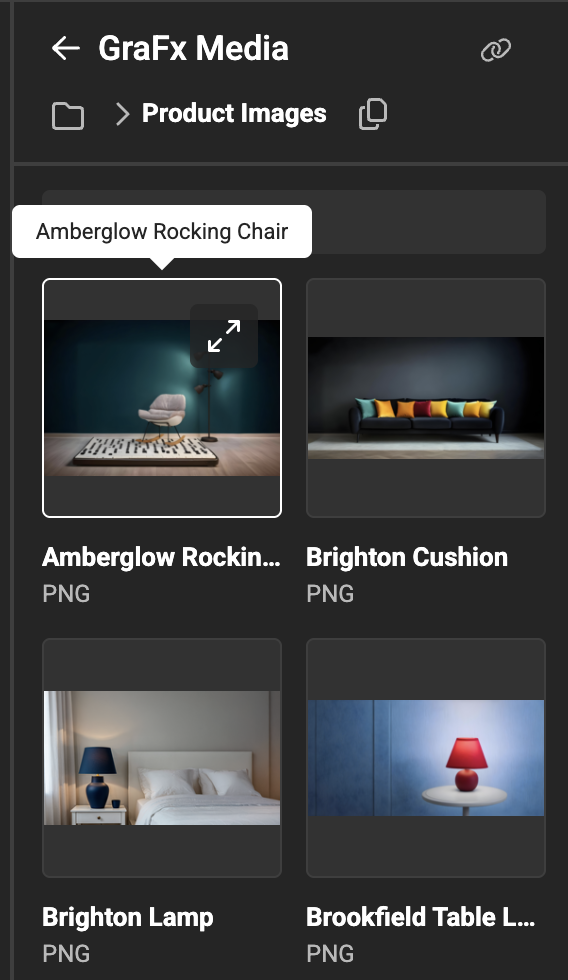
Asset names are shown as tooltips in media-related panels, helping Design System creators pick the right asset faster when working with larger libraries.
Set color values in actions
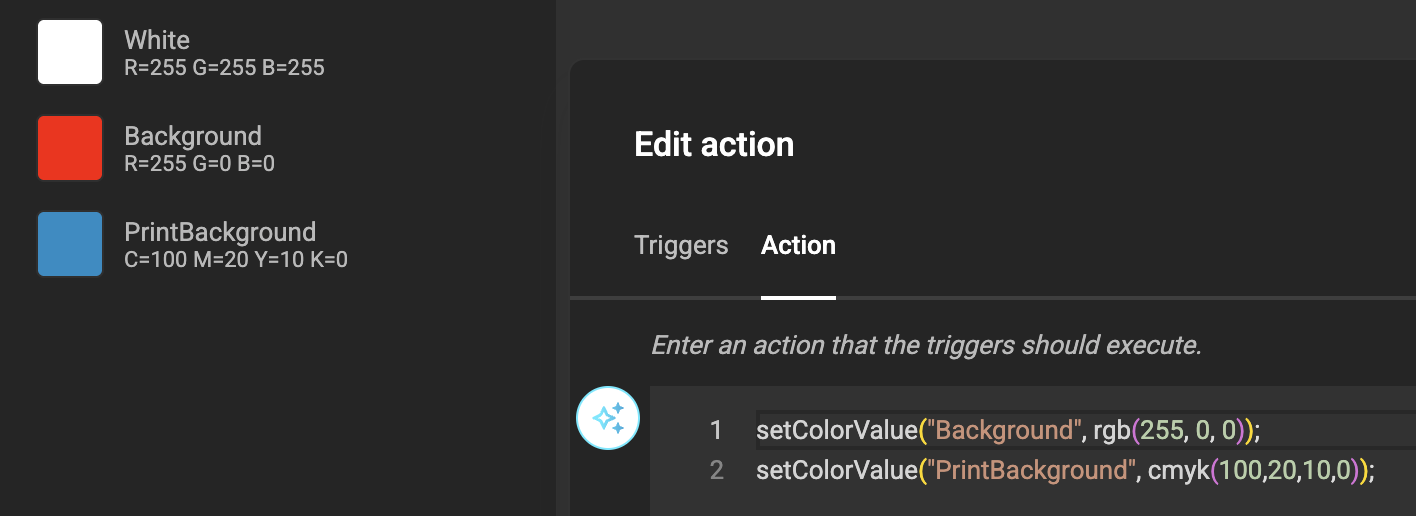
You can now set color values directly in actions using supported color spaces such as RGB, Hex and CMYK.
This allows you to programmatically control colors across different output requirements, ensuring consistent on-screen and print styling when templates apply automated logic.
🐛 What’s Fixed
Smart Crop
Fixed Smart Crop behavior related to subject area settings in GraFx Media, resulting in more consistent image placement.
Undo stability improvements
Fixed several issues that could cause unexpected behavior when undoing actions, including cases involving deselecting frames.
Studio UI
- Disabled the H shortcut for projects with constraints to prevent accidental conflicts while editing.
- Improved stability for page offsets, reducing timing-related issues.
- Fixed range constraint tooltip behavior to ensure the correct configuration is shown.
Render count & Quota
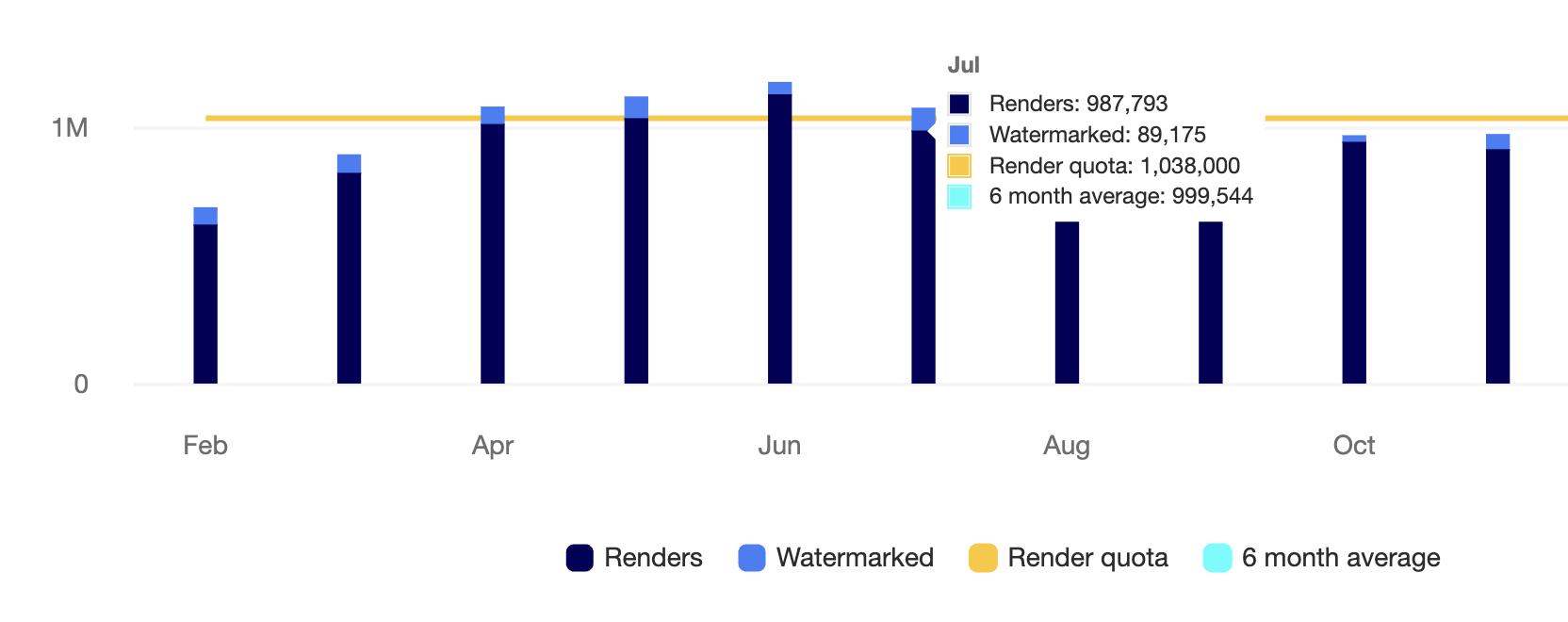
Fixed an issue where watermarked renders were displayed incorrectly.