Skip to content

Create a Brand Kit

Getting Started with GraFx Studio — full course

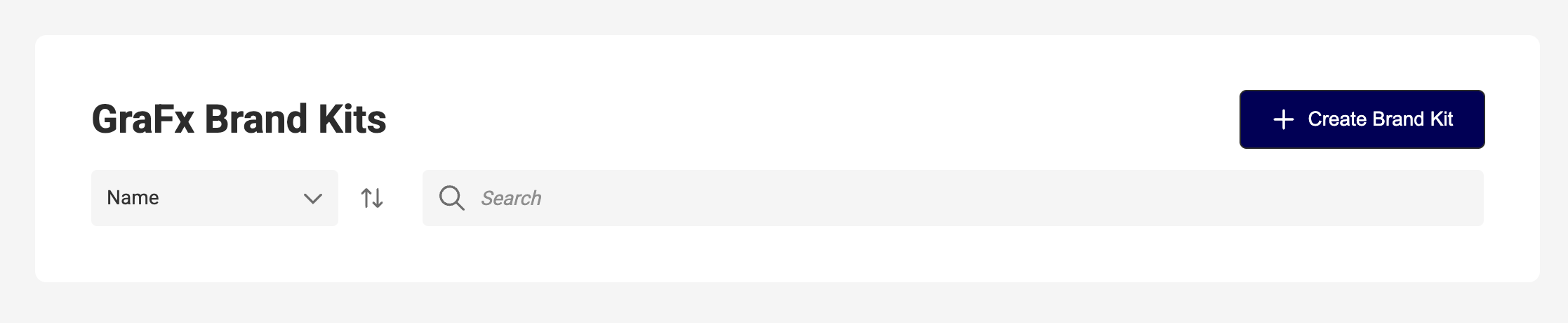
  1. Navigate to GraFx Brand Kits in the platform sidebar.
  2. Click + Create Brand Kit.

The Brand Kits toolbar with sort and search fields, and "+ Create Brand Kit" at the top right

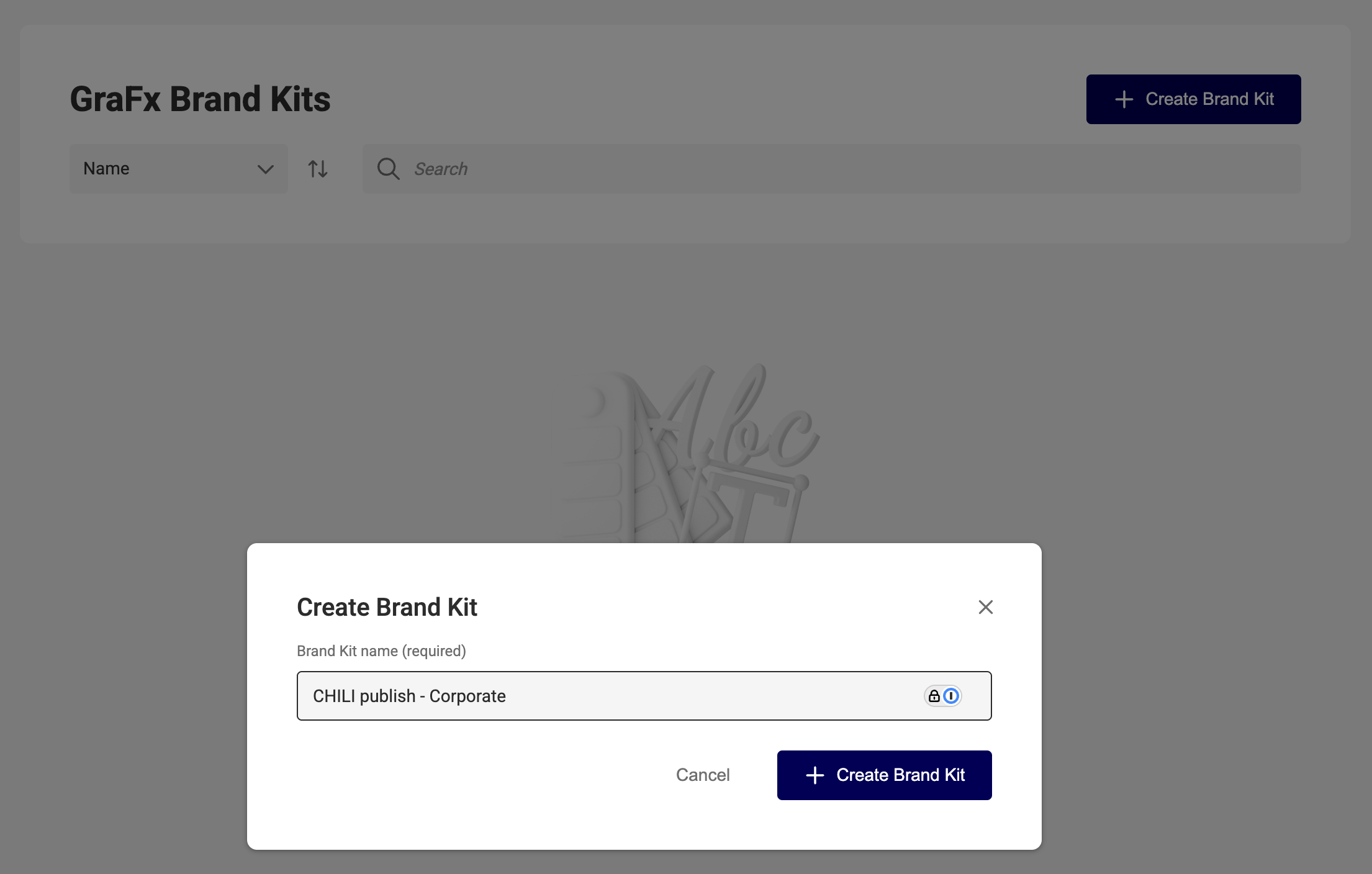
  1. Enter a Name.

The "Create Brand Kit" dialog with "CHILI publish - Corporate" typed into the required name field

  1. Click + Create Brand Kit.

You’ll be taken to the new Brand Kit’s detail page, where you can begin adding elements.
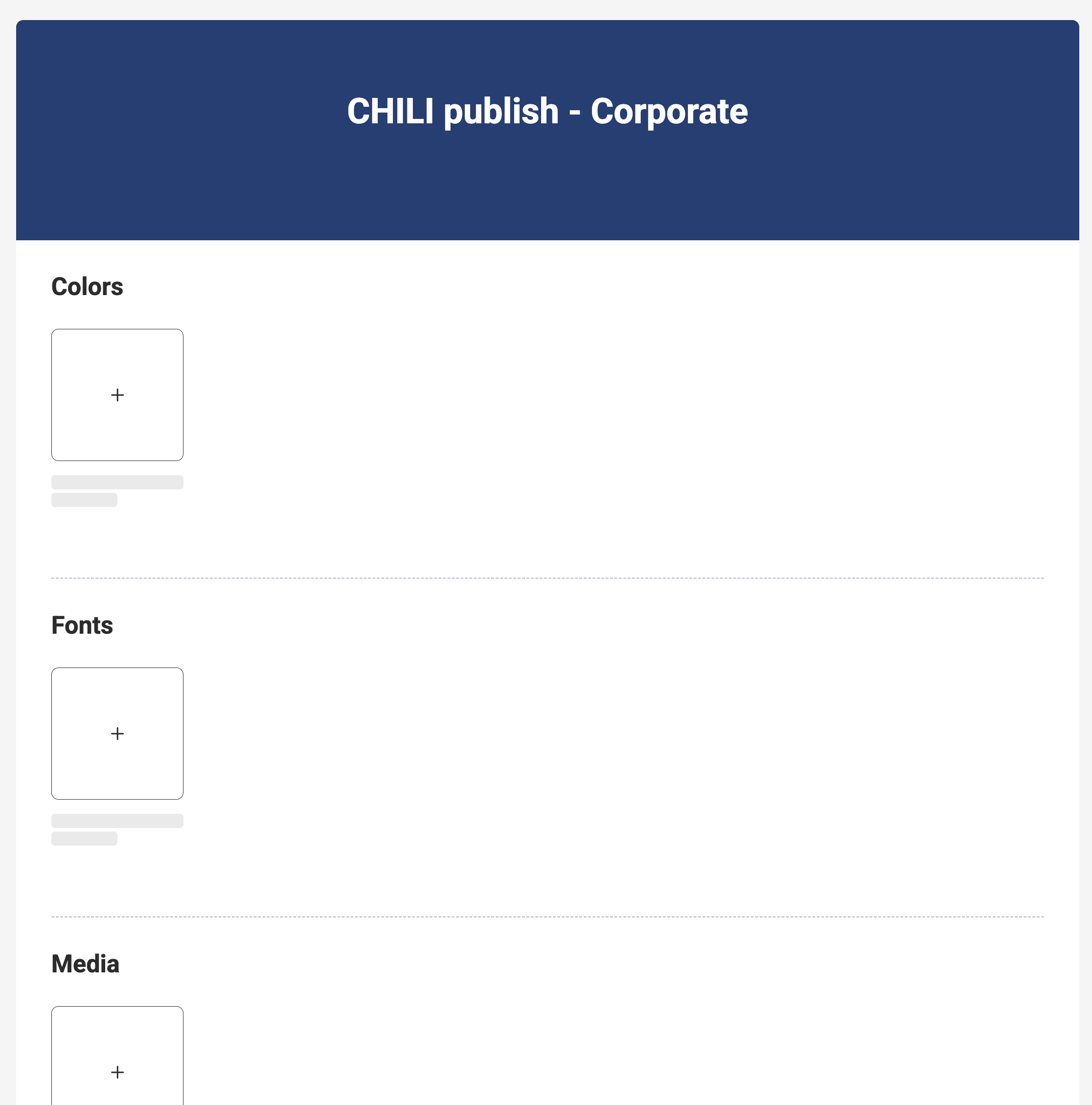
The new Brand Kit's detail page, with empty Colors, Fonts and Media sections showing only "+" tiles