Application overview
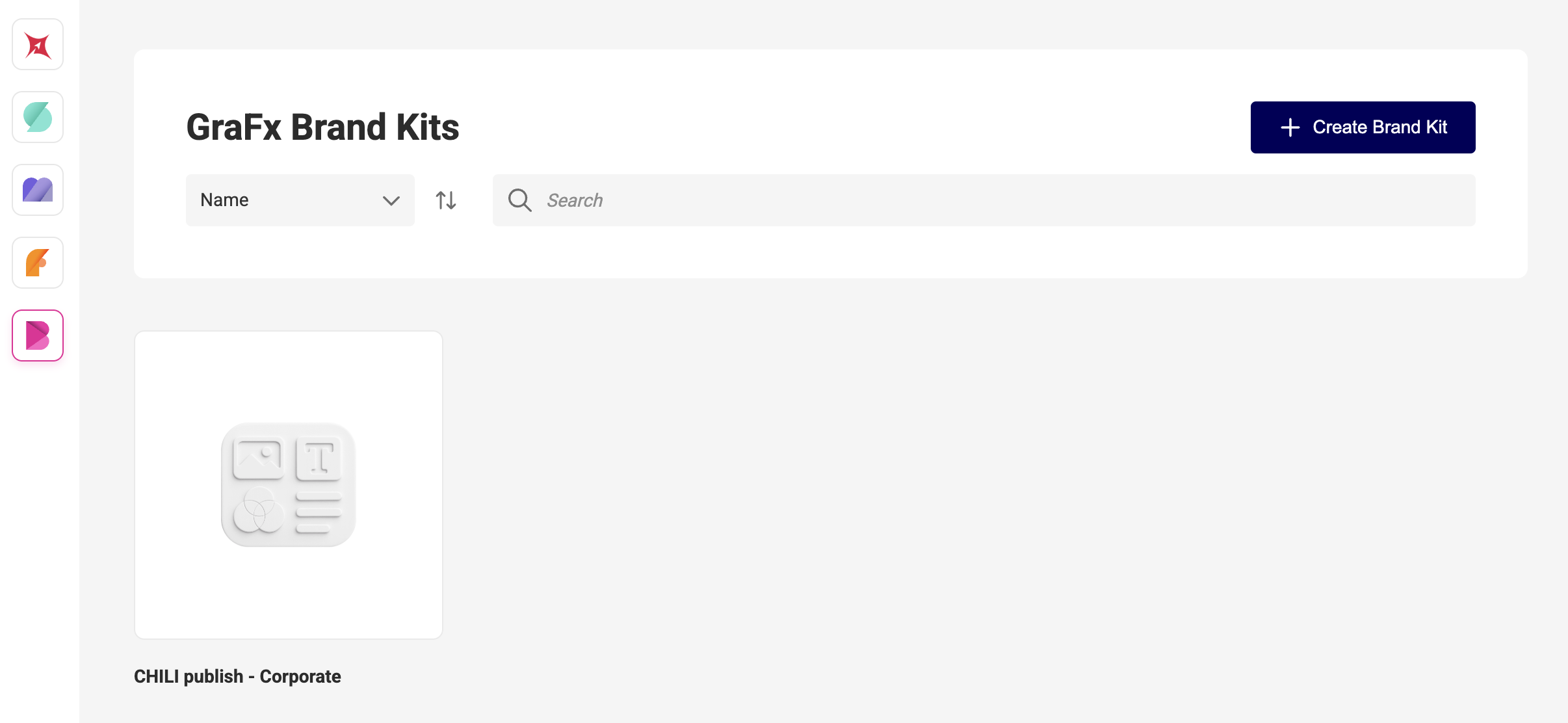
Open the GraFx Brand Kits application
-
Toolbar
– Create Brand Kit button
– Search & sort by name -
Brand Kit cards
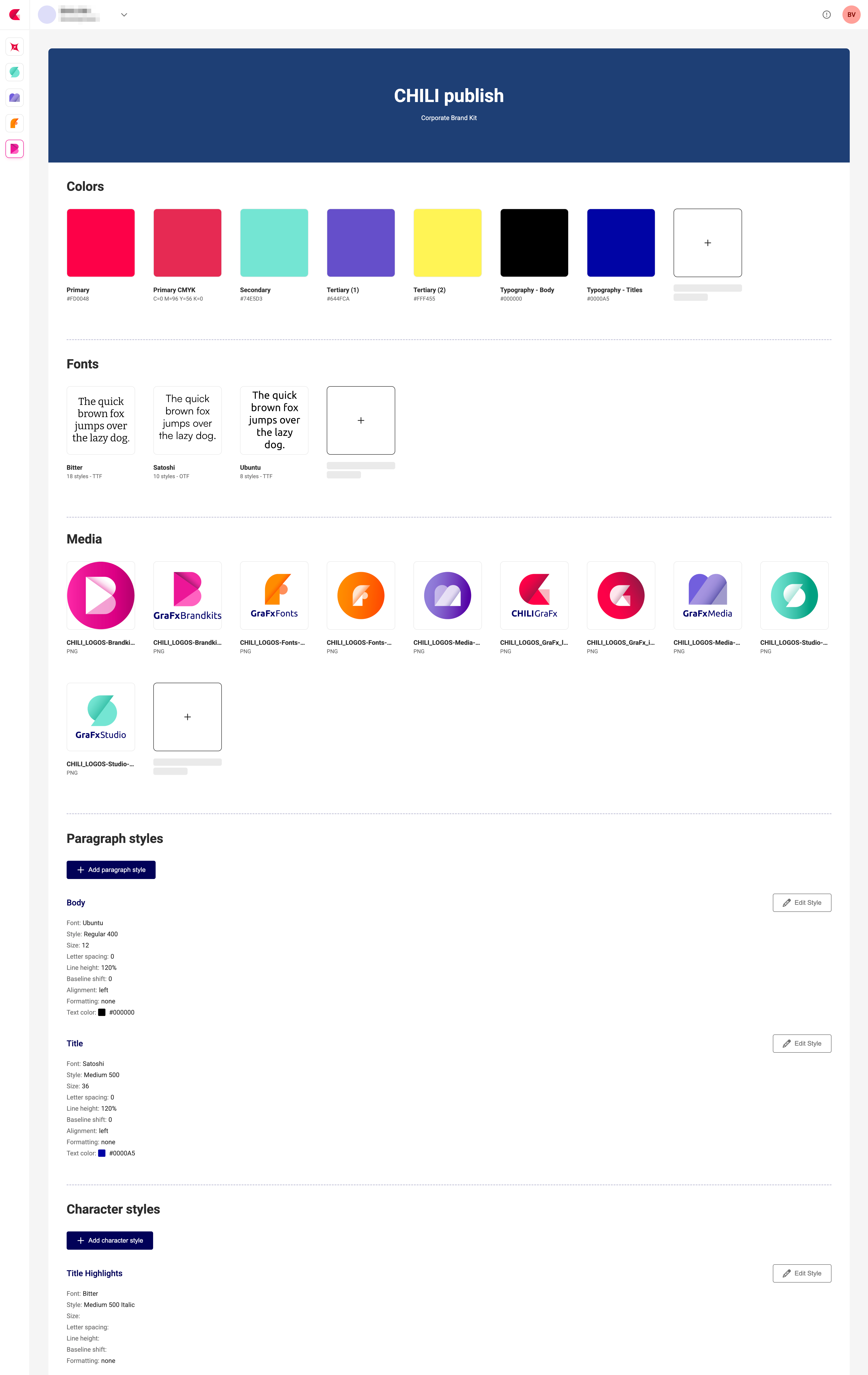
– Each card shows the kit’s name, description and thumbnail
– Click a card to open its details
Open the GraFx Brand Kits application
Toolbar
– Create Brand Kit button
– Search & sort by name
Brand Kit cards
– Each card shows the kit’s name, description and thumbnail
– Click a card to open its details