Update a Brand Kit
On the Brand Kit detail page:
Editing themes
Your edits apply to the theme selected in the theme bar at the top of the page. On the default theme you edit the Brand Kit itself; on any other theme, changes are saved as overrides on that theme. See Manage themes.
Add an element
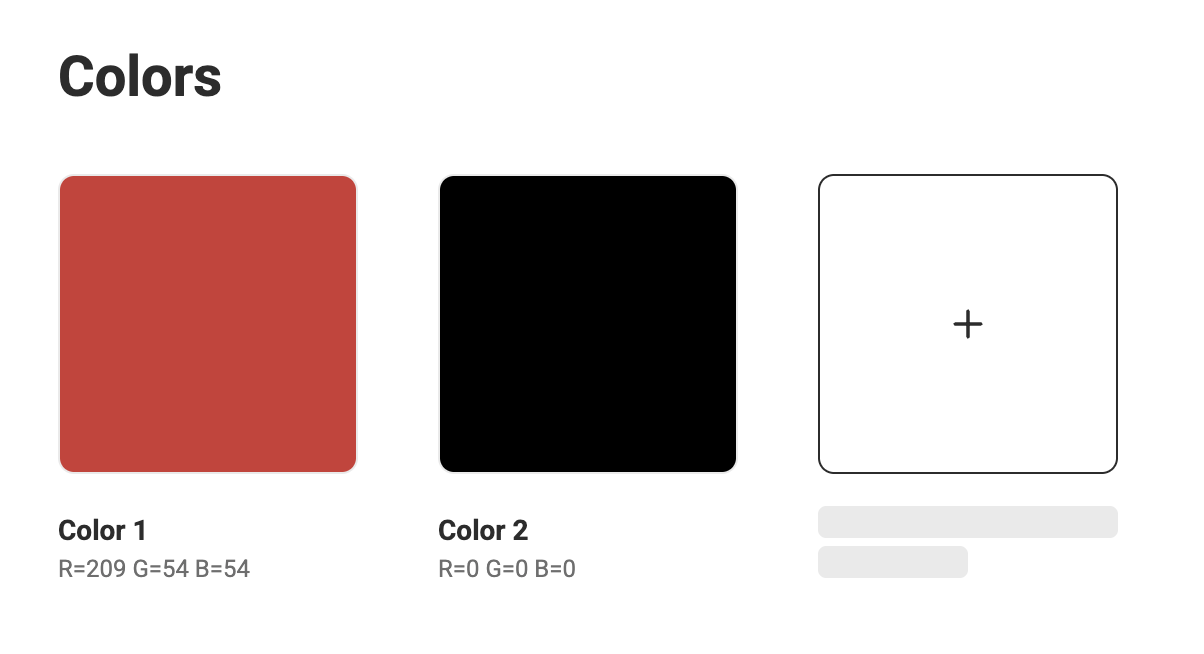
- Click the “+” in the empty tile for Colors, Fonts & Media.
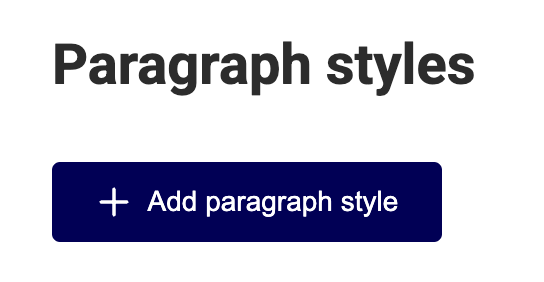
- Click on the "Add" button for Paragraph styles or Character styles.
- Fill in the required fields or add items.
Edit an element
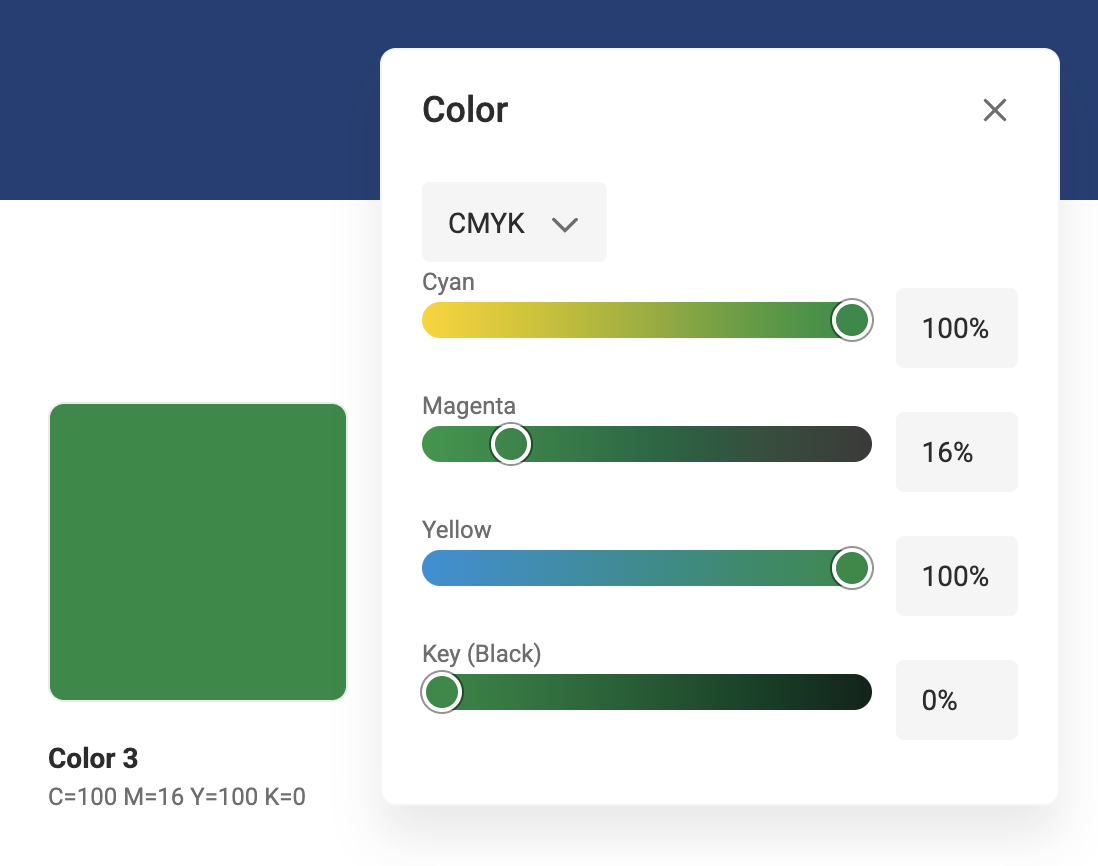
- Colors: Click the color tile and edit the values
- Fonts: Only add and remove fonts is possible
- Media: Add, remove, or replace assets using the "..." context menu. If an asset has been deleted from GraFx Media, the Brand Kit shows an "Image not available" placeholder — use the context menu to replace or delete it.
- Paragraph- and Character styles: click the "Edit Style" button
Remove an element
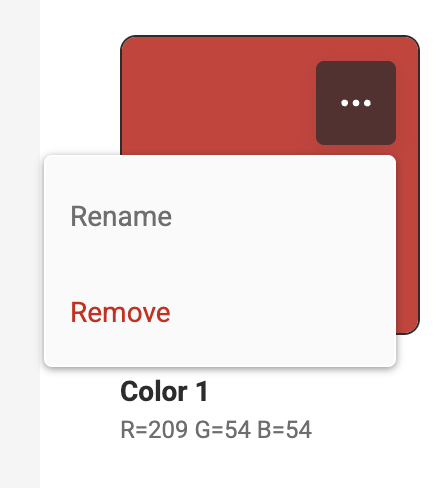
- Click the "..." menu and select Remove