URL Connector
Built-in
Built by CHILI publish
Third Party
Introduction
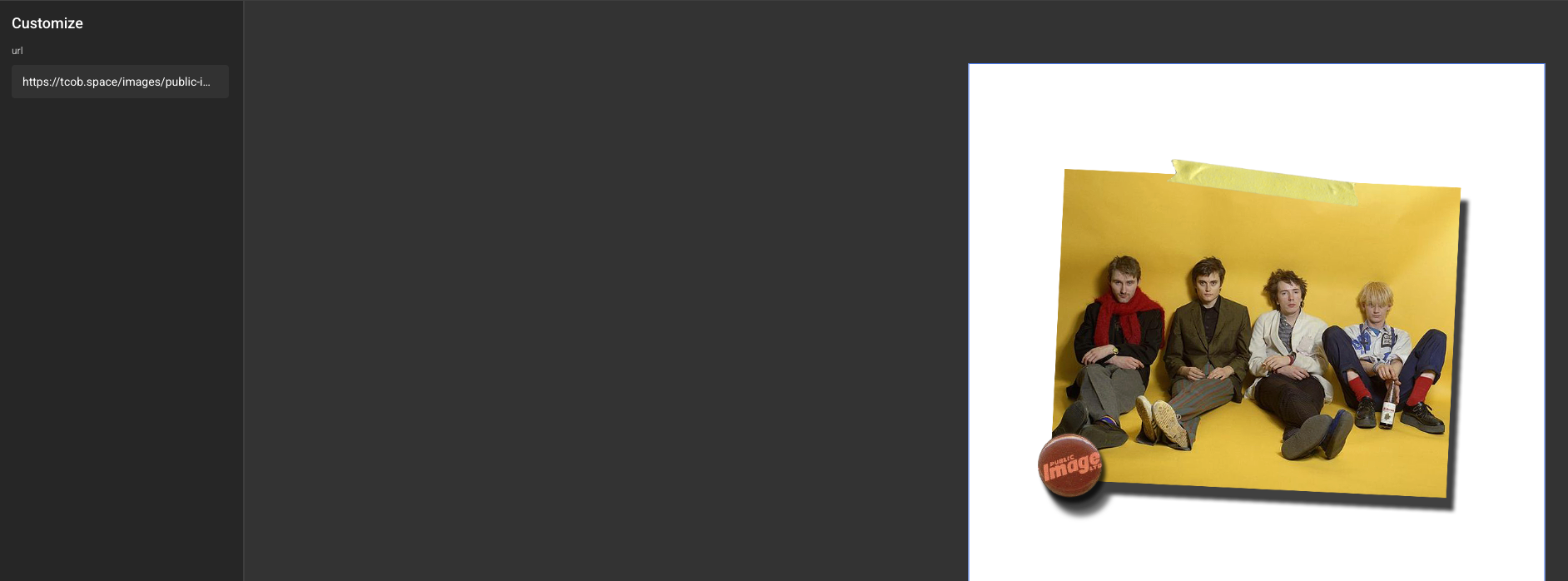
The URL Connector is a media connector for accessing public URLs for images.
For example: https://tcob.space/images/public-image.png
Installation
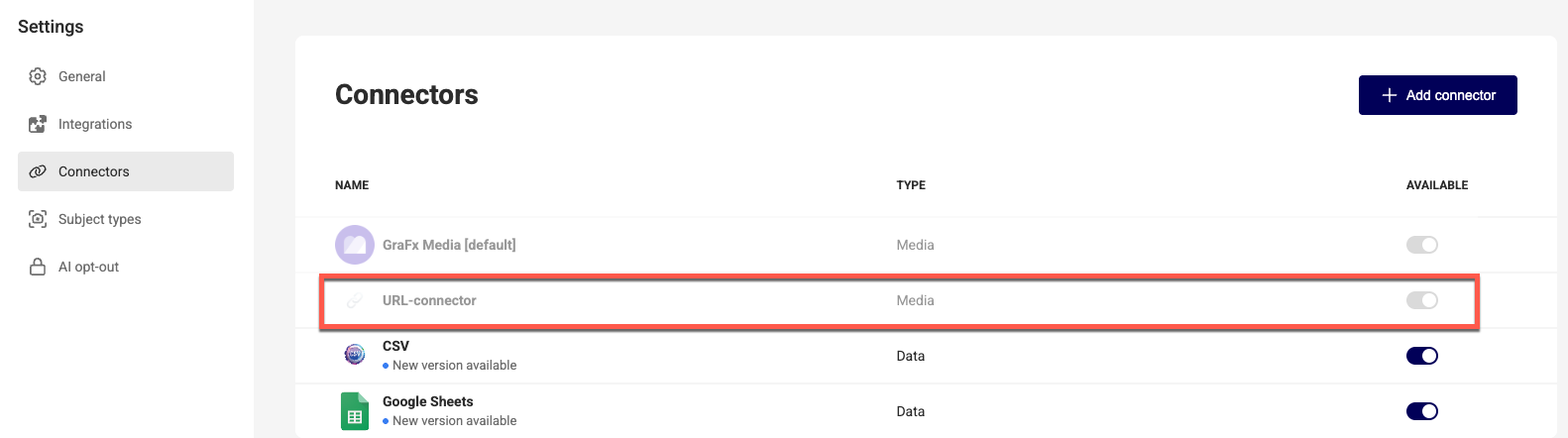
The installation is done by enabling the URL Connector in your environment.
See installation through Connector Hub
Once installed, the connector appears in your connector list. There is no configuration on the connector page.
How to use
It's very simple to implement:
- Create a text variable and an image variable
- Link the text variable to the image variable and select the URL Connector type
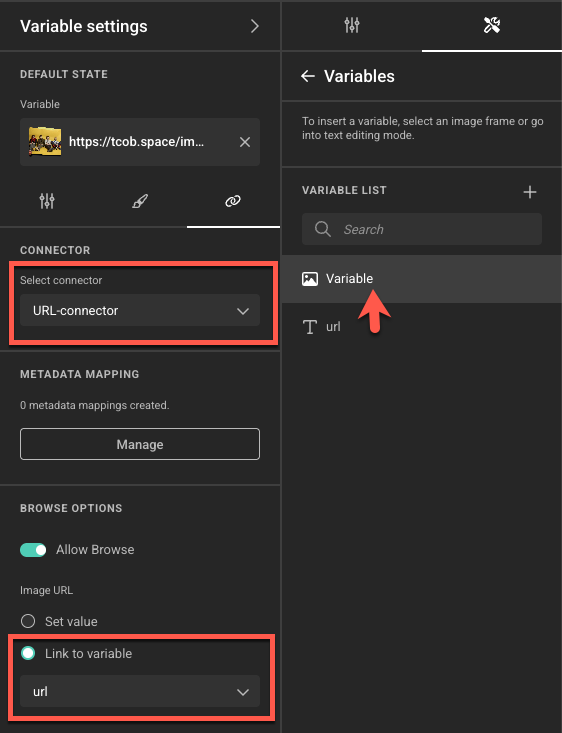
- Create an image frame and insert the image variable to that frame
In the end user view, when a URL of an image is pasted into the text variable, the image will appear.