Image constraints, list controls, and text stability improvements
 v1.37
v1.37
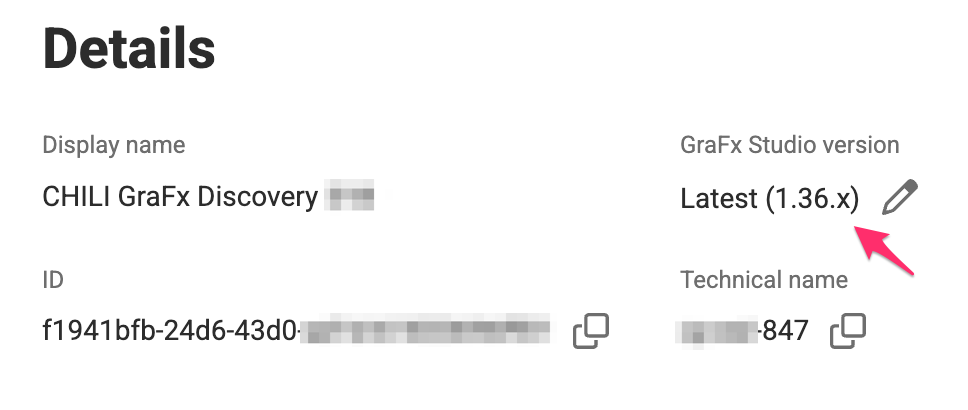
GraFx Studio
✨ New & Improved
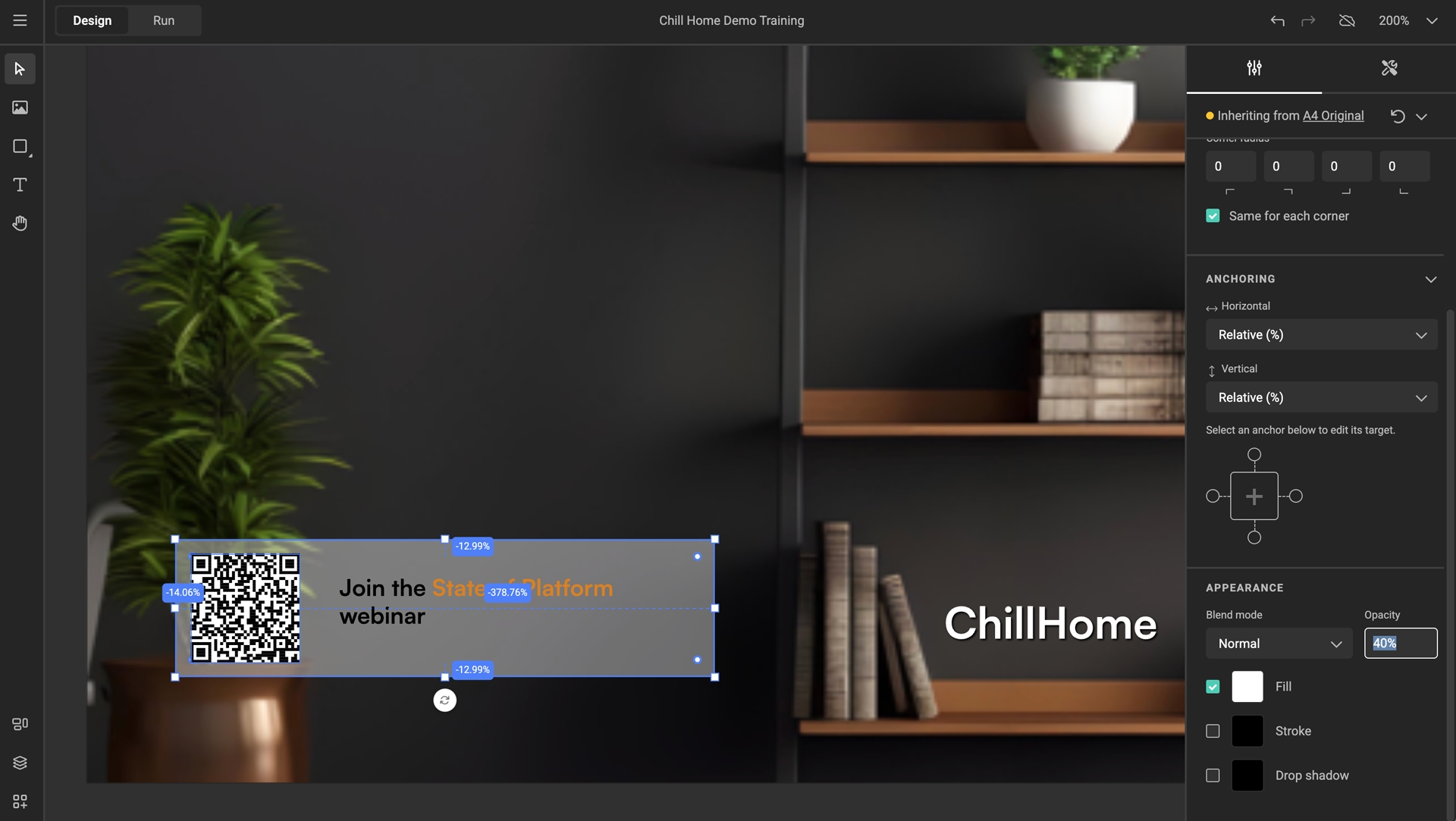
- Added constraints for image frames
You can now constrain resizing, movement, and rotation for image frames.
See: Concept of constraints
See: Image frame constraints

-
Added character style support for numbered lists.
Character style can be applied to number style (format and symbol after number) for numbered list inside paragraph style. -
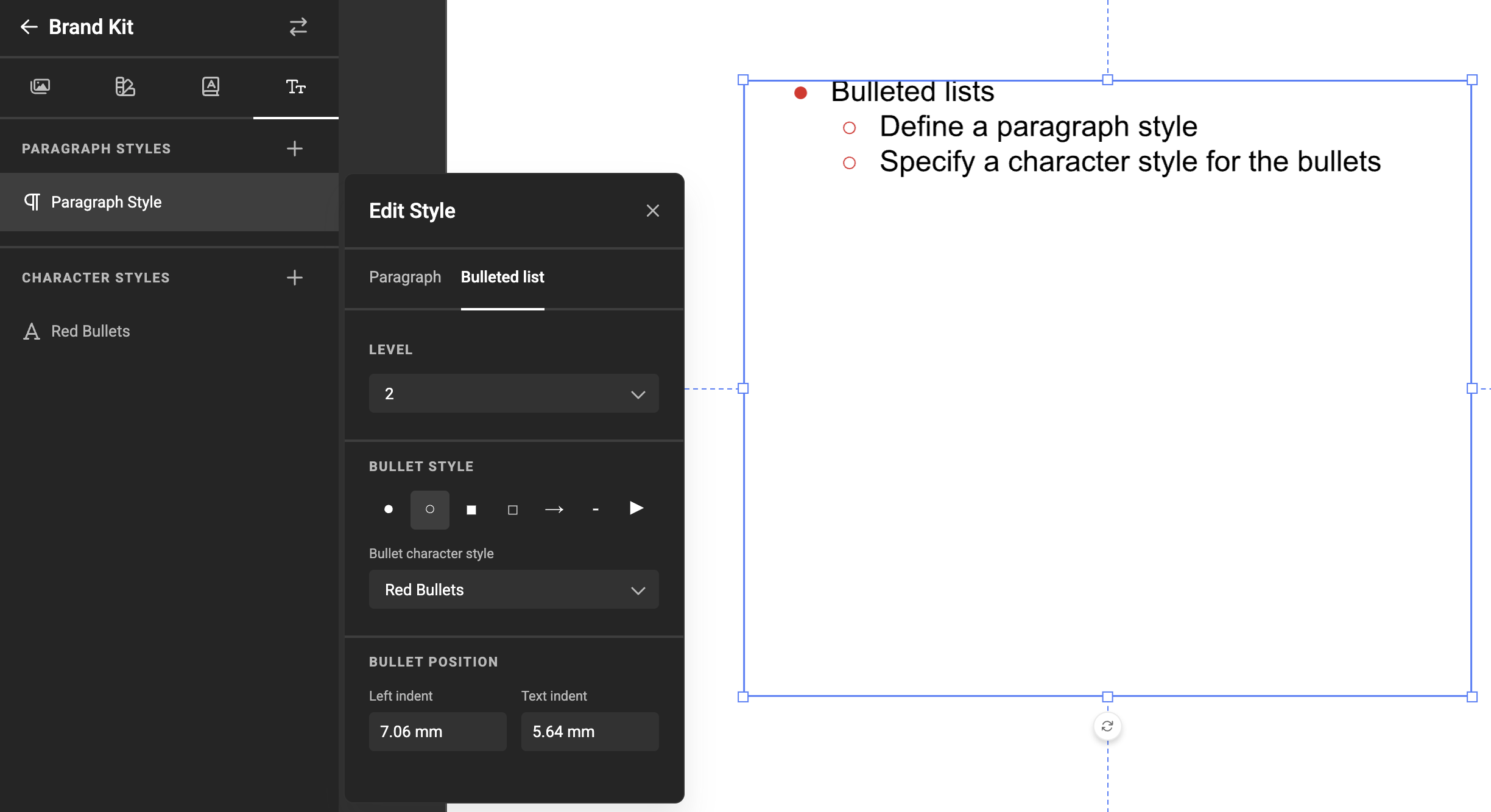
Added keyboard shortcuts for list level control.
You can increase or decrease levels in bullet and numbered lists using keyboard shortcuts. -
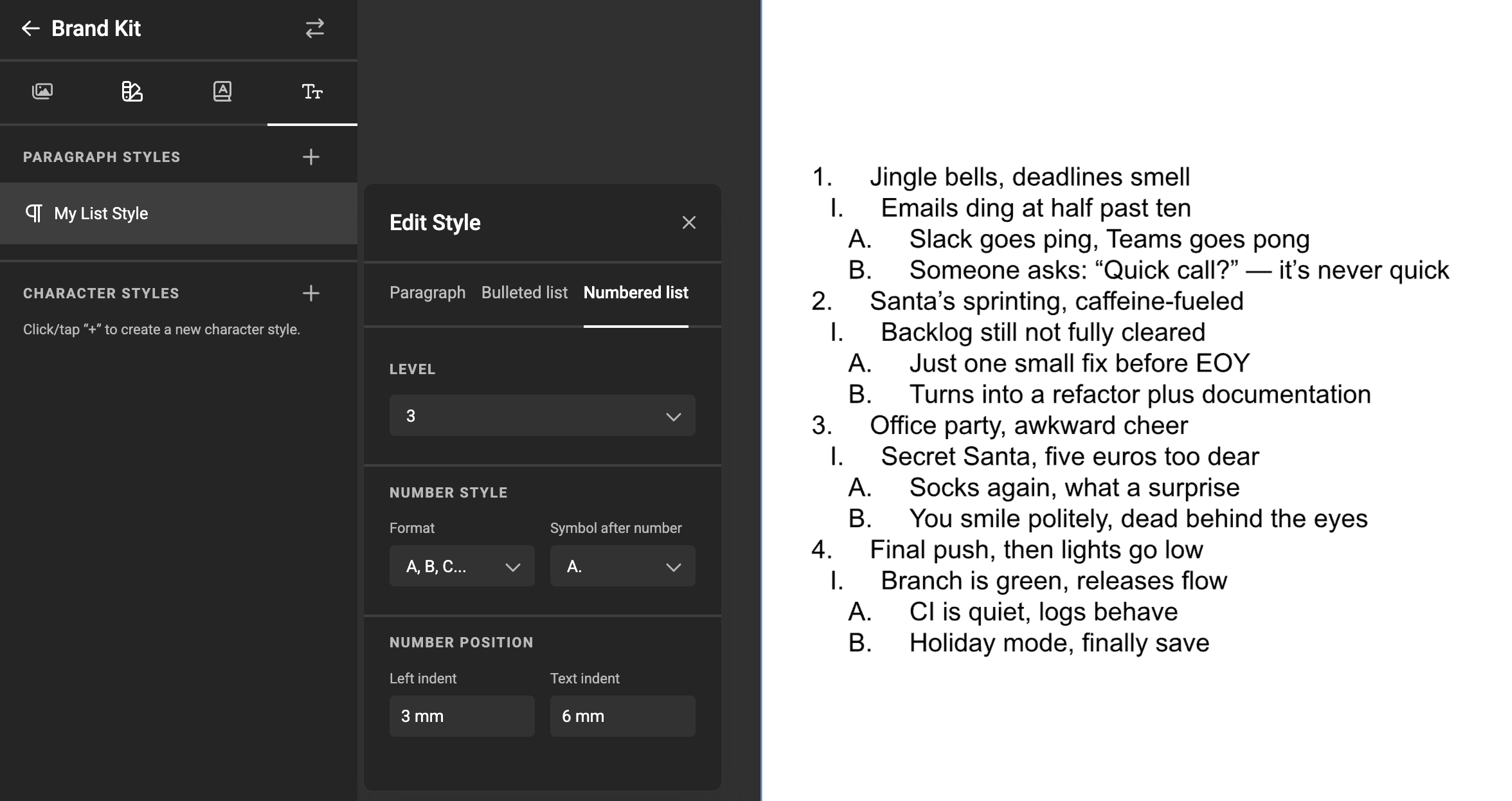
Added predefined formatting for four numbered list levels.
Each level now has its own formatting. The fourth level no longer inherits from the first and uses a dedicated number format and symbol.
🛠️ What's Fixed
-
Fixed inconsistent behavior when applying subscript and superscript
across inline, paragraph, and character styles. -
Fixed text frame content replacement issues
that could result in unexpected text behavior. -
Fixed aspect ratio restrictions being applied when the object was disabled.
-
Fixed text frame resizing when auto-grow was enabled.
-
Fixed incorrect positioning of newly created frames.
Studio UI
✨ New & Improved
- Support for image frame constraints
The Studio UI now reflects and enforces image frame constraints defined in GraFx Studio.
🛠️ What's Fixed
-
Fixed validation when
projectIdis optional
to prevent incorrect parameter errors. -
Fixed layout shift when a date picker displays an error message.