Version 0.102.2, using Studio SDK 0.102.0
- You can now add swatches to your Stylekit and use them in your template, e.g. to change the color of your text via a paragraph or character style (👉 click the color field to open the color picker, where you can go to the swatches tab to select a swatch)
- The color picker now comes in two versions, one for defining a swatch (where you cannot set the opacity or select another swatch) and one for applying a color (where you can choose between a custom color or a swatch and where you can change the opacity)
- You can pan and zoom the canvas by using two-finger gestures on the trackpad, even if the Hand or Zoom tool is not selected
- Improved text selection and text cursor positioning
- Simplified the character style settings by removing the indeterminate state for fill color (👉 when you leave the fill color unchecked the color is not applied, which means the default black or the color from the applied paragraph style is used)
- The default Arial Regular font is always available in the dropdown menu where you can select a font
- Renaming a font in the Stylekit is blocked (👉 you cannot rename a font in the Stylekit, but this was not blocked and caused an incorrect rename state)
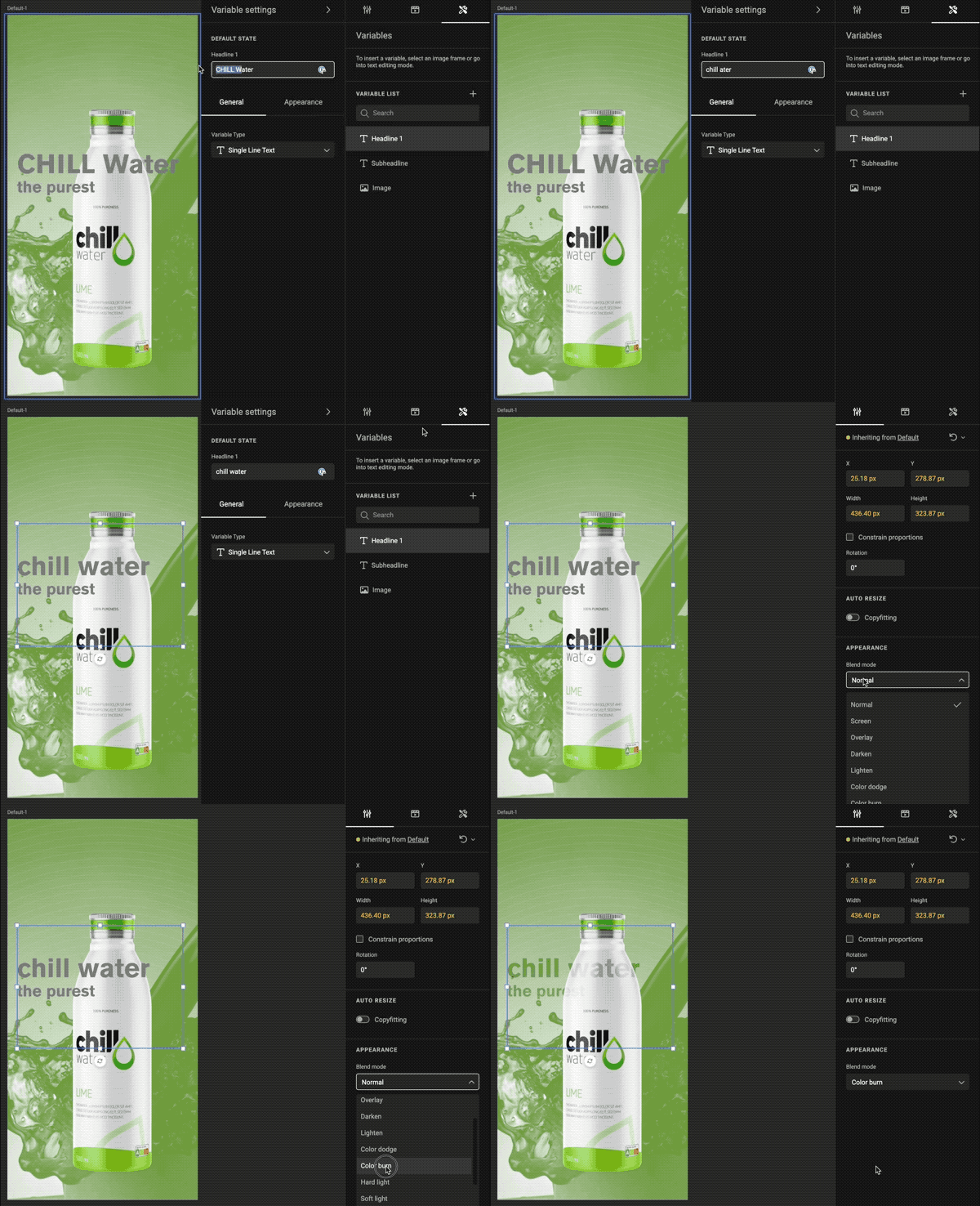
- Removed variable name input field from the variables settings panel (👉 you can rename a variable by double clicking the variable name in the list)
- Fixed issue with loading fonts
- Fixed issue where the default Arial Regular font was selected in the text properties panel, but it was not used for new text frames
- Fixed issue where the applied character style was not shown correctly in the text properties panel
- Fixed issue where color swatches were converted to custom colors in paragraph and character styles
- Fixed issue with using Ctrl/Command+A to select all text with a keyboard with Azerty layout
- Fixed issue with replacing selected text with copied text
- Fixed issue where changes to variable settings were not saved when clicking on another panel
- Fixed icon misalignment on Uppercase button in text properties panel
- Fixed issue with inconsistent truncation of list items
- Fixed issue where several action menus could be opened at the same time in the Layouts panel
- Fixed issue with hidden action menu on sortable lists when using Safari
- Fixed issue with hamburger menu being shown behind other panels
- Fixed issue with blocked Media panel when an image frame was selected
- Fixed issue with output generation being triggered after renaming a template
- Fixed issue that resulted in an error when removing a frame